When a business moves to NetSuite, the first real test starts the moment you pull your first set of reports. This is where CFOs find out if the data is accurate, the controls are working, and the finance team is ready for month-end. That’s why NetSuite Post-Migration Reporting is one of the most important steps after go-live. Good reporting helps CFOs confirm that the new system is doing what it should. It also gives early signs of issues that need quick fixes.
Many leaders expect the migration to end the moment the data loads. But the truth is simple. Your reporting tells the real story. And if something is off, you want to know right away. This guide breaks down the top reports every CFO should run and what each one reveals. You’ll see why these reports matter and how they help you build financial confidence after switching to NetSuite.
Why Reporting Matters Right After a NetSuite Migration
The first few weeks after go-live can feel unpredictable. You have a new system, new dashboards, and new processes. This is why strong reporting is a CFO’s best tool during the early stage. Good reporting helps you confirm that balances, transactions, and settings match what you expect. It also helps you catch early errors before they affect month-end or audit work.
Many CFOs learn that the real risk in migrations is not the migration itself. It’s missing the small things that hide in the data. When you run your reports early, you can see where data didn’t map cleanly. You can see if accounts behave as expected. You can confirm which modules need more attention. Good reports give peace of mind and help you lead with clarity.
The Core Reports Every CFO Must Run After a NetSuite Migration
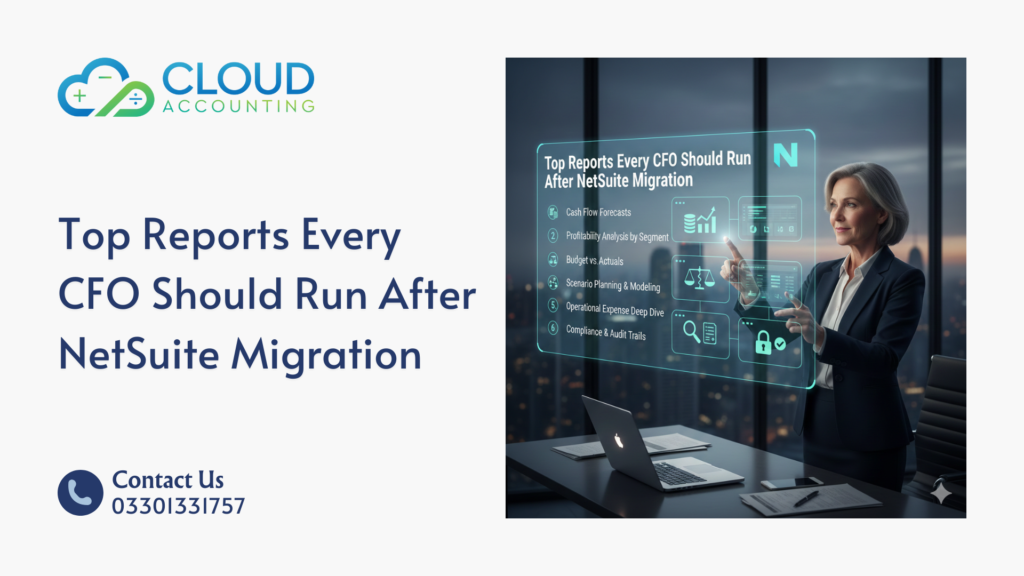
Here are the must-check reports for NetSuite Post-Migration Reporting. Each one helps you confirm accuracy at the account, transaction, or module level. These checks help you validate the finance system and spot issues early.
1. Trial Balance Accuracy Report
One of the first reports to run after a migration is the trial balance. This is where you compare ending balances from your old system to the new numbers in NetSuite. When you check this report, you want to make sure that every balance is correct. Even a small difference can point to a larger issue.
You should compare your migration trial balance with the final trial balance from your old software. If you find mismatches, look closely at account mapping, foreign currency settings, or incorrect classifications. This report is key because it confirms your financial foundation.
2. Accounts Receivable Aging Summary
After a migration, the AR aging report becomes a strong indicator of data quality. This report helps CFOs confirm that customers, invoices, and open balances moved correctly. If something looks out of place, you want to know right away.
A healthy AR aging report should show accurate customer names, dates, balances, and aging buckets. If the totals look different from your old system, you might have missing invoices, wrong dates, or misaligned terms. Many migrations reveal issues in AR because it’s a busy module with many moving parts.
Running this report early gives your team a chance to check customers, follow up on overdue invoices, and confirm that the AR process is ready for the next billing cycle.
3. Accounts Payable Aging Summary
The AP aging report helps you see if vendor balances and unpaid bills moved correctly into NetSuite. This report matters because errors here can affect cash flow planning. A CFO needs clear supplier data to manage payments and keep the team informed.
When you check this report, look for missing bills, wrong due dates, or duplicate entries. AP data often depends on correct vendor records, tax codes, and currency settings. Any issue here can have a ripple effect later. This report also helps you see if the AP team needs more time to adjust to the new system.
4. General Ledger Detail Report
The general ledger detail gives CFOs a deeper look into how transactions behave in NetSuite. When you first run this report, you can see the journal entries that NetSuite generates. This lets you confirm if the system is posting to the right accounts and if the entries match your expectations.
Look for odd patterns, such as too many manual journals or entries hitting suspense accounts. These signs tell you where the team may need extra training or where the setup needs attention. This report is important because it helps CFOs confirm that the accounting engine behind NetSuite is running as expected.
5. Bank Reconciliation Report
Early bank reconciliation is one of the simplest ways to confirm that your cash balances are correct. Cash is a sensitive area, and even small errors can affect reporting. Running the bank reconciliation report helps you confirm opening balances, statement dates, and linked accounts.
After a migration, you want to check for duplicate entries, missing transactions, or wrong opening balances. This report also helps you see if the integration between your bank feed and NetSuite is working. Many CFOs use this early check to confirm that the cash cycle is stable.
6. Inventory Valuation Report
If your business handles stock, this report becomes essential. Inventory is a complex area because it depends on item records, costing methods, locations, and transactions. Running the inventory valuation report helps you confirm that the quantities and values match your old system.
If something looks off, it could be due to incorrect costing methods, missing transactions, or errors in item setup. This report helps CFOs avoid major issues during month-end or audits. Inventory mistakes can grow quickly, so it’s best to catch them early.
7. Revenue Recognition Report
For companies using revenue rules, this report helps confirm that revenue schedules match what you expect. Revenue recognition is one of the most sensitive areas in any finance system. Any mismatch can affect compliance and audit results.
Run this report early to confirm schedules, amounts, and recognition dates. If something looks strange, it might mean the schedules need adjustments or the mapping didn’t follow your rules. CFOs want to see clean, accurate revenue data before closing their first month in NetSuite.
8. Cash Flow Statement Review
Many CFOs wait until month-end to check cash flow. But after a migration, checking it early can reveal issues faster. This report shows how cash moves in and out of the business. You can check if NetSuite is linking transactions properly and if your classifications are correct.
Look for areas where the numbers don’t reflect real activity. If that happens, fix it before reporting to stakeholders. Cash is one of the most watched numbers in any business, so accuracy matters.
9. Financial Statement Variance Report
Variance reports help CFOs see trends in the numbers. They help you compare actuals to budgets or forecasts. After a migration, running this report helps you confirm whether NetSuite reflects real performance.
If your variances look unusual, check your opening balances, category mapping, and posting rules. Sometimes the issue is not the data, but the structure of your reporting. This is why running this early gives your team time to adjust and fix what you see.
10. KPI Dashboard for CFOs
NetSuite dashboards help CFOs see the big picture. After a migration, these dashboards help you confirm that key performance indicators reflect accurate data. Look at cash, sales, expenses, margins, and forecasts.
If something looks off, it’s usually tied to data mapping or configuration. Running these checks helps you confirm whether NetSuite is ready to support day-to-day decisions.
Dashboards also help you build confidence across the leadership team. They show that the system works and that your reporting is reliable.
What These Reports Help You Catch Early
Early reporting reveals errors that even strong migration teams can miss. This is why CFOs rely on NetSuite Post-Migration Reporting to catch small issues before they grow.
These reports help reveal:
- Duplicate transactions
- Missing balances
- Wrong tax codes
- Currency issues
- Posting errors
- Inventory mismatches
- Module alignment problems
- Incorrect classifications
When CFOs see these early, they can fix them before month-end. This helps the business stay audit ready and builds trust in NetSuite.
How to Validate Data After Running These Reports
Once you have your reports, you want to confirm that the data is correct. CFOs often use simple validation methods to check accuracy.
Here are the most common steps:
Cross-System Comparisons
Compare totals, balances, and key fields between your old system and NetSuite. This shows whether the migration aligned with expectations.
Sampling Method
Check a few transactions line by line. This helps you see how NetSuite handles posting.
Transaction-Level Tracing
Trace transactions from start to finish. This helps you confirm how workflows behave.
These steps help you build confidence and ensure your numbers are ready for reporting.
Building an Ongoing Reporting Framework for CFOs
Running these reports once is helpful, but setting a long-term framework gives you even better results. A strong reporting framework includes:
Monthly Reporting Pack
Prepare a standard set of reports for month-end and leadership meetings.
Forecasting and Budgeting Reports
Use NetSuite to support planning and analysis.
Approval Workflows
Set clear controls to keep data accurate.
Audit Trails
Keep track of changes, adjustments, and entries.
With this framework, CFOs can handle reporting with more confidence and efficiency.
When to Bring in a NetSuite Expert
Most finance teams can manage early reporting checks. But sometimes the data needs deeper review. If you find repeated issues, it might be time to bring in a specialist.
Consider reaching out when you see:
- Ongoing data mismatches
- Poor inventory results
- Revenue schedule errors
- Posting problems
- Complex business rules
A NetSuite expert can review your setup, fix issues, and help your team learn best practices.
Final Thoughts
The first few weeks after a migration can shape your entire NetSuite experience. When CFOs run these key reports early, they spot issues sooner, build trust in their numbers, and prepare for smooth reporting cycles. NetSuite Post-Migration Reporting gives leaders a solid foundation for future success. Good reporting is not the end of the migration, but the start of using NetSuite to drive clear, confident decisions.
Get Expert NetSuite Support
If you want help reviewing your reporting setup, fixing migration issues, or building CFO-ready dashboards, Cloud Accounting can guide you. Our team helps businesses get the most out of NetSuite.