
Looking to migrate from Acumatica to QuickBooks Online? Cloud Accounting helps businesses transfer financial data accurately, securely, and with minimal disruption. Our Acumatica to QuickBooks Online migration service includes data review, system setup, historical data transfer, reconciliation, and post-migration support. Whether you need customer records, supplier data, invoices, inventory, or opening balances migrated, our specialists handle the entire process.
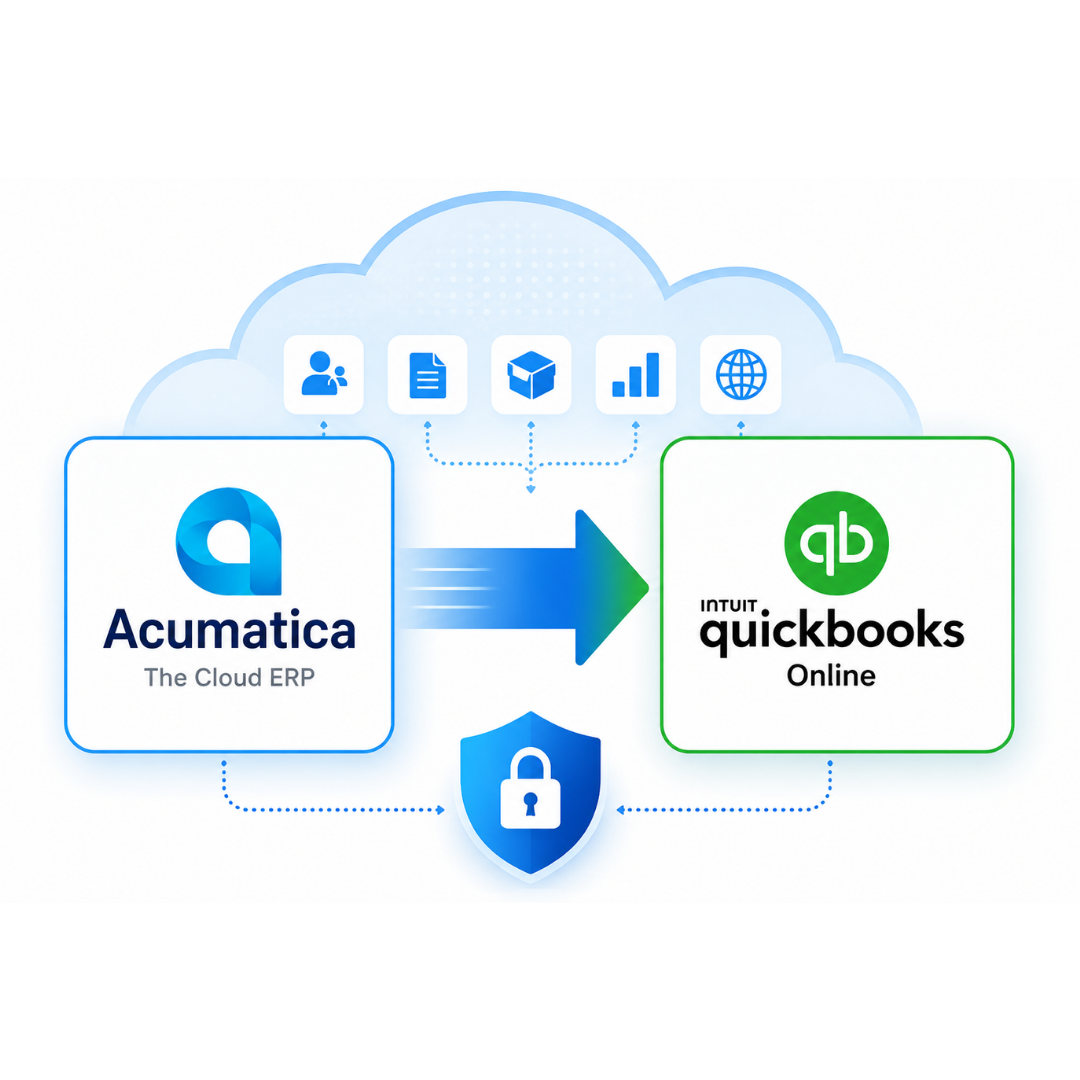
Many businesses start with Acumatica because they need advanced ERP functionality. However, as operations change, they often find that the platform offers more complexity than they actually need. That’s why many growing businesses choose Acumatica to QuickBooks Online Migration. QuickBooks Online provides powerful accounting features in a simpler and more accessible environment.

QuickBooks Online reduces software costs by providing essential accounting tools in a more affordable platform, helping businesses manage finances efficiently.

QuickBooks Online offers a user-friendly interface that simplifies invoicing, expense tracking, and bank reconciliation for business owners and accountants.

QuickBooks Online provides secure cloud access to financial data, supporting remote teams and businesses operating across multiple locations.

QuickBooks Online is easy to learn, helping new users get started quickly while reducing training time and improving productivity.

Connect Shopify, WooCommerce, Amazon, Stripe, PayPal, CRM platforms, and inventory management tools to automate data flow and improve accuracy.

QuickBooks Online provides real-time dashboards and reports, helping business owners track cash flow, profitability, and overall financial performance.
One of the most common questions businesses ask before an Acumatica to QuickBooks Online Migration is whether their financial data can be transferred accurately. The answer depends on your setup, but in most cases, a wide range of accounting and business records can be migrated successfully. At Cloud Accounting, we review your existing Acumatica environment and create a migration plan based on your reporting needs, historical data requirements, and business processes.
Transfer customer and supplier details, balances, and payment terms accurately.
Migrate invoices, bills, credits, and historical financial transactions securely.
Transfer inventory records, quantities, products, and valuation information accurately.
Preserve tax settings and multi-currency data for accurate reporting.
Customize migration scope based on your business requirements and goals.
Transfer chart of accounts and reporting structures for consistent insights.













Before we migrate from Acumatica to QuickBooks Online, we assess your data and recommend the most suitable migration approach. This helps reduce complexity, improve accuracy, and ensure your QuickBooks Online system is ready for day-to-day operations from the start.
Many businesses consider an Acumatica to QuickBooks Online Migration when they no longer need complex ERP features. QuickBooks Online offers a simpler, more affordable accounting solution for growing businesses.
Feature |
Acumatica |
QuickBooks Online |
|---|---|---|
Many businesses find that their accounting needs change over time. While Acumatica offers advanced ERP functionality, some organisations no longer require the complexity that comes with managing a larger system. Businesses often choose to migrate from Acumatica to QuickBooks Online because they want:
Every Acumatica to QuickBooks Online Migration project is different. Our team works with businesses across multiple industries, helping them transfer financial data accurately and start using QuickBooks Online with confidence.

Move customer records, supplier data, inventory information, and financial transactions while maintaining reporting accuracy.

Connect QuickBooks Online with platforms such as Shopify, WooCommerce, Amazon, and eBay for easier financial management.

Consultants, agencies, and service businesses choose QuickBooks Online for simpler invoicing and reporting.
Transfer project-related financial data and gain better visibility into costs, payments, and profitability.

Migrate large volumes of customer, supplier, inventory, and transaction data while preserving financial accuracy.

Small and medium-sized businesses migrate to QuickBooks Online for lower costs, simpler accounting, accessibility.
A successful Acumatica to QuickBooks Online Migration starts with a clear plan. Our proven 4-step process helps ensure your data is transferred accurately and your new system is ready for day-to-day use.


We assess your Acumatica setup and identify migration challenges.


We clean and organise data for improved migration accuracy and reliability.


We securely migrate data and configure QuickBooks to your requirements.


We validate balances, reconcile reports, and provide ongoing support.
Historical data migration requires planning to balance reporting needs, complexity, accuracy, and long-term access.
Proper account mapping ensures accurate reporting and financial consistency after migration to QuickBooks.
Inventory records require careful review to ensure accurate quantities, valuations, and item data transfer.
International transactions and foreign currency balances require special handling during migration for accuracy.
VAT and tax settings must be reviewed carefully to maintain accurate reporting and compliance requirements.
Detailed validation and reconciliation checks ensure QuickBooks Online figures match Acumatica data accurately.

Our migration specialists identify potential challenges early and build a migration plan designed to minimise risk and ensure a smooth transition to QuickBooks Online.
Data accuracy is one of the most important parts of any Acumatica to QuickBooks Online Migration. Once your data has been transferred, our team performs a series of checks to confirm everything has migrated correctly. We compare key financial reports between Acumatica and QuickBooks Online to ensure balances match and reporting remains accurate.
Every Acumatica to QuickBooks Online Migration includes reconciliation and validation as standard. This helps ensure your QuickBooks Online system reflects the same financial position as your Acumatica system, giving you confidence in your reports from day one.
One of the most common questions businesses ask before starting an Acumatica to QuickBooks Online Migration is how long the process will take. The answer depends on the volume of data, the complexity of your setup, and the amount of historical information being transferred.
Business Type |
Estimated Timeline |
|---|---|

The cost of an Acumatica to QuickBooks Online Migration depends on your business requirements. Factors such as data volume, historical records, inventory complexity, and multi-currency transactions can all affect the scope of the project.
Choosing the right migration partner is just as important as choosing the right accounting software. Our team helps businesses complete their Acumatica to QuickBooks Online Migration accurately, securely, and with minimal disruption
We provide secure and accurate QuickBooks Online migration services from a wide range of accounting software. Whether your data is in CSV, Excel, or another supported format, our experienced team ensures your financial records are transferred correctly with minimal disruption to your business. We support migrations for businesses of all sizes, including those with complex transactions, multi-currency requirements, and historical financial data.












Most migrations are completed within a few days, although larger or more complex projects may take longer depending on the amount of data being transferred.
We can migrate customer records, supplier records, chart of accounts, invoices, bills, opening balances, inventory data, and historical financial transactions.
Yes. We can migrate historical financial data based on your reporting and business requirements.
Yes. We follow secure migration processes and best practices to protect your financial information throughout the project.
Yes. Inventory records, item details, and quantities can often be migrated as part of the project.
Yes. We can review and migrate multi-currency transactions and balances where required.
Every migration includes reconciliation and validation checks to help ensure your reports remain accurate after migration.
Yes. We provide free QuickBooks Online training after migration to help your team get started with confidence.
In most cases, businesses can continue normal operations while the migration is being planned and completed.
The cost depends on factors such as data volume, historical records, inventory complexity, and reporting requirements. We provide tailored quotes based on your needs.
Many businesses choose QuickBooks Online because it is easier to use, more affordable, and provides strong cloud-based access for business owners and accountants.
WhatsApp us